
Workstation Ergonomics
Download Content for Your Social Media
The graphics and captions below are available for you to use on your social media. The resources on this page can be used to encourage your employees to work safely in an effort to prevent injury while at the workstation.
For the best quality graphic, we suggest you download images via Dropbox here.
By clicking on the image, or the "Download Image" link after the caption, you will be directed to a Dropbox page. From there, use the download button in the top right corner to save the image to your computer and add your logo to the image.
To download text, highlight the text, right click and select copy. Then, start a new post in your social media account, right click and select paste.
Add Agency Logo
The graphics available for download have the Penn National Insurance logo on them.
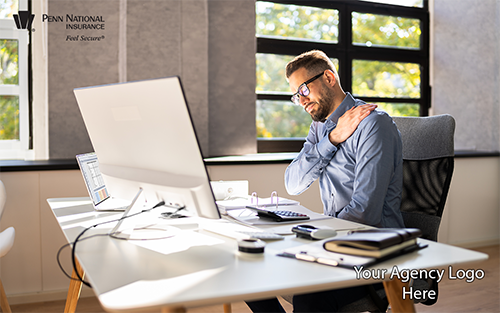
After you download a graphic, you may add your agency logo to it as shown in the example in the upper right.
Downloadable Content

Even when standing, keep your elbows close to your body and supported. Don't forget to get an anti-fatigue standing pad. Your muscles will thank you later. (Download Image)

Keep your lower back supported and shoulders relaxed. Not following proper ergonomics could lead to painful joints. (Download Image)
Keeping the top of your monitor(s) at or just below eye level is paramount. Staring down at your computer at all times can lead to problems. (Download Video)
Source: OHSA
To access other content, click on the links below.